
Rules are what’s used to figure out which rate to serve to your customers at the checkout.
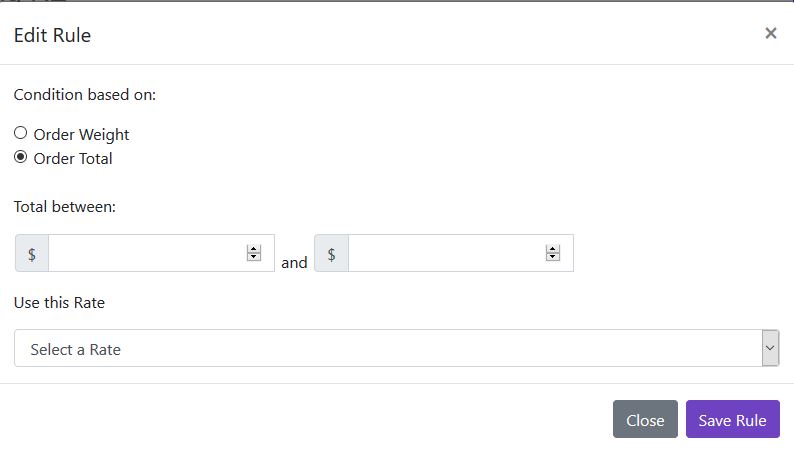
Rules can be applied to orders based on either Order Total or Order Weight.
For example: If you wish to offer your Free Shipping Rate to customers with orders over $300, you will need a rule, based on order total.
Rates can be used in more than one Rule. For example our rules below offer our Free Shipping rate on both orders that weigh between 0 and 1 grams, and on orders over $300.
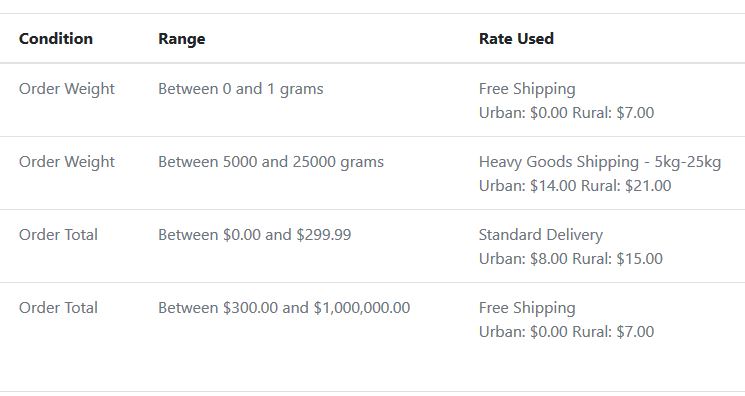
Setting Rules example
TIP: Don’t forget to activate your rules once they are set.
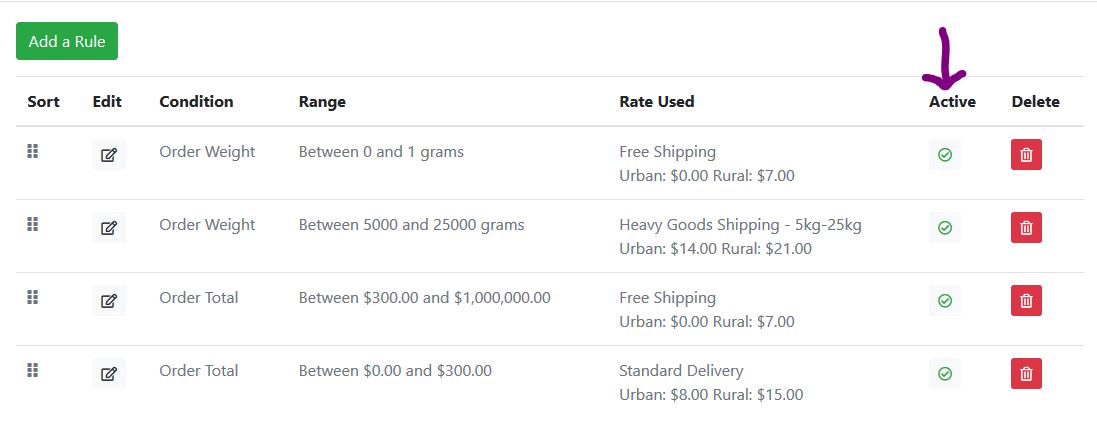
Once you have set up and activated all your Rates and Rules, You’re ready to start serving calculated shipping rates.
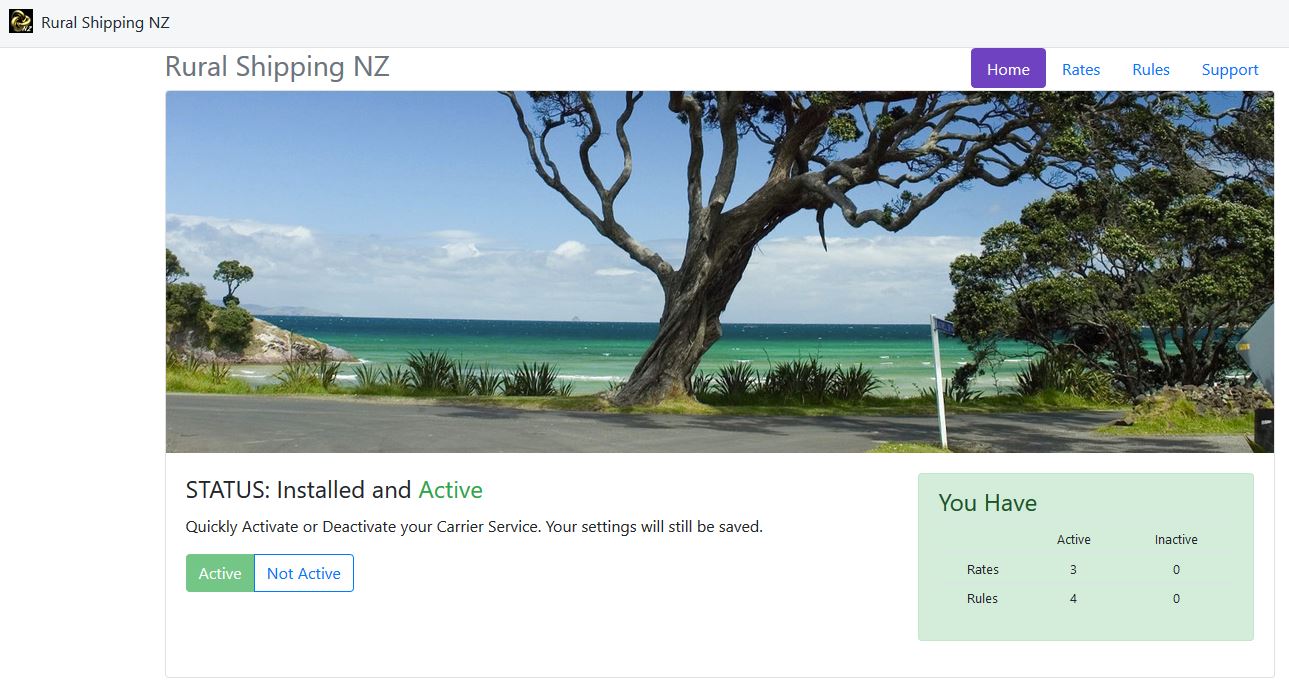
Your Rural Shipping NZ App home page will let you know if you don’t have at least one Rate and one Rule active. If the status box is green you’re good to go!